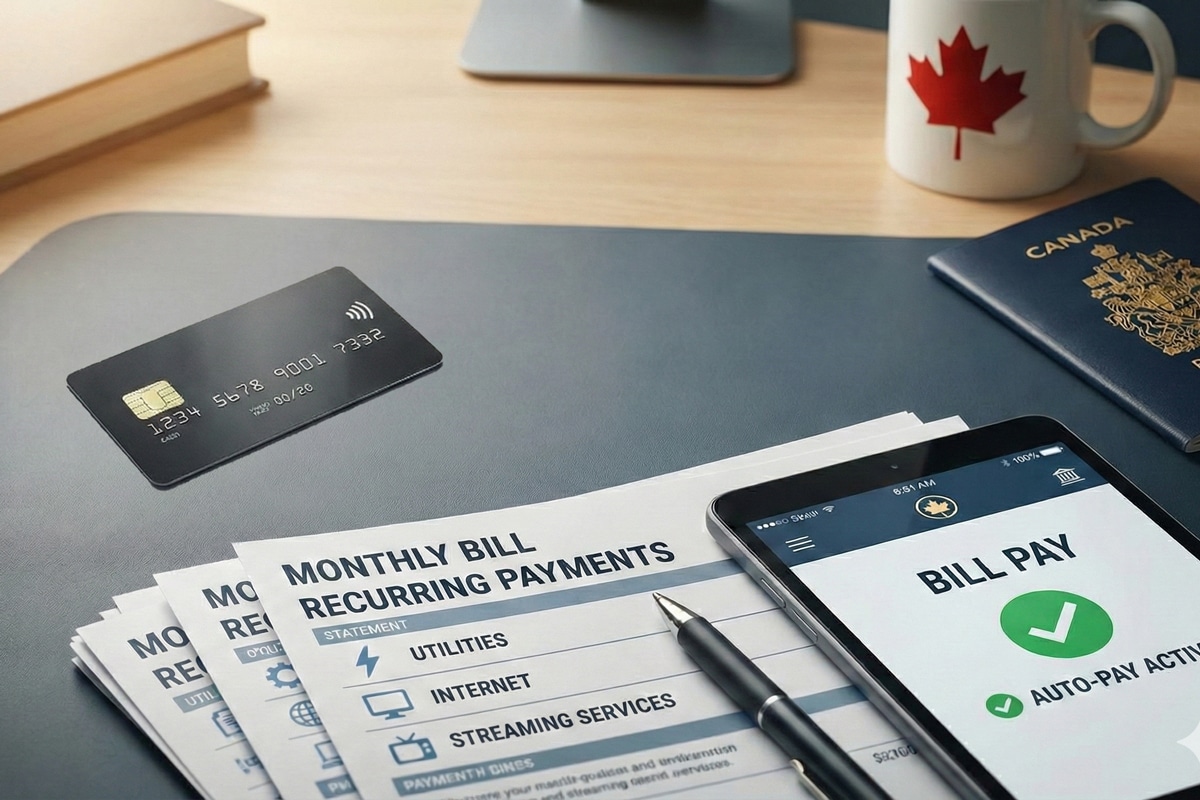
Recurring Bills On Autopilot
Autopilot for bills usually means one of two things: scheduled payments from your bank account, or recurring reminders that prompt you to pay on time. Autopay can reduce late fees, but it also moves the “decision point” from you to a payment system that may not know about life changes. For example, a rent increase or a new insurance premium can change the amount due, while the autopay instruction stays the same. In the U.S., the Federal Reserve’s Regulation E covers certain electronic fund transfers, and the timing of error resolution depends on when you report issues. Autopay also interacts with overdraft rules, which vary by bank and can change the cost of mistakes.
Start with one measurable goal.
Pick a bill category and track it for 2 months before automating everything. A common baseline is “days late” and “number of payment reversals,” because those two metrics reveal whether automation is helping or hiding problems. Many banks expose autopay settings in the same place as bill pay, and the payment schedule often runs on a fixed date rather than “X days before due.” That detail matters when a due date falls on a weekend or a holiday.
Autopay date drift happens.
Main Problems And Pain Points
People often get wrong-footed by automation because the system repeats the instruction, not the context. A recurring payment can keep charging even after you cancel a service, especially when cancellation happens after the billing cycle cut-off. Another failure mode is stale payment details: a card expires, a bank account number changes, or a merchant updates its payment processor. When that happens, autopay may fail silently until you notice a missed payment or a returned ACH.
Skip the “set and forget” mindset.
Biological and behavioral mechanisms also matter. Stress and attention limits affect how quickly you notice a wrong charge, and delayed review increases the chance that overdraft protection kicks in. If you rely on a single monthly statement, you may miss early warning signs like a small recurring increase. That delay can turn a correctable issue into a dispute window problem. Disputes for card transactions often require prompt reporting, and the exact deadlines depend on the card issuer’s policies.
Setup And Practical Steps
Choose Autopay Or Reminders
Decide per bill type. Use autopay for stable amounts you can forecast, like a fixed mortgage payment or a predictable subscription, and use reminders for variable bills like utilities or medical copays that can change. The reason is simple: fixed bills match the repeated instruction, while variable bills require a human review step. In practice, you can set a reminder 3–5 days before the due date and still pay automatically if the amount matches your expectation. If the amount differs, you pause autopay for that cycle and pay manually.
Match the tool to risk.
Set Payment Buffers In Your Account
Before turning on autopay, confirm your account can cover the payment on the posting date. Many banks post ACH payments on business days, and some payments post earlier than you expect based on processing cut-offs. A practical buffer is 1–2 weeks of typical bill amounts in the account that receives autopay, or at least enough to cover the next scheduled payment plus any other near-term debits. If you use overdraft protection, read the terms because fees and coverage rules vary by bank and account type.
Overdraft rules vary by bank.
Use Separate Accounts For Bills
Consider a dedicated “bills” account so autopay activity does not mix with daily spending. This reduces the chance that a grocery purchase or a travel charge drains the balance right before a recurring debit. In practice, you can transfer a fixed amount to the bills account each week and let autopay draw from that pool. I’ve seen people set this up using a bank’s scheduled transfer feature (for example, a transfer rule labeled “Recurring transfer” in the app), and the biggest benefit is clearer visibility when something goes wrong.
One account, one purpose.
Turn On Alerts For Every Payment
Enable notifications for both “payment scheduled” and “payment posted.” Many banking apps let you choose alerts for ACH debits, card charges, and low-balance events, and you can often set them to email, SMS, or push notifications. The reason is that “scheduled” alerts help you catch failures before the due date, while “posted” alerts help you detect unexpected amounts. In practice, set alerts for at least 2 categories: autopay debits and balance thresholds. If your bank app version shows alert toggles in a settings page (for example, an “Alerts” tab in a recent mobile build), review those toggles after each app update.
Alerts catch problems early.
Keep A Manual Backstop
Maintain a manual payment method for emergencies, such as a second card or a backup bank account. If autopay fails due to an expired card or a closed account, you need a way to pay without scrambling. In practice, store the merchant’s payment portal link in a favorites list and keep the account number or policy number handy. A mild frustration many people report is that the merchant’s “update payment method” page works differently on mobile than on desktop, so test it once while you still have time.
Backups prevent late fees.
Review Monthly For 10 Minutes
Do a short monthly review of autopay transactions against your expected list. Use a checklist that includes: amount, date, merchant name, and whether the service still exists. If a bill is canceled but autopay continues, you want to catch it before the next cycle. A practical number: review 5–15 recurring items in about 10 minutes, then adjust autopay or reminders for the next month. This review also helps you spot gradual increases, like insurance premium changes that may not trigger a separate notice.
Review beats surprise.
Educational Case Examples
A household uses autopay for a fixed internet plan and reminders for utilities. The internet autopay amount matches the contract price, and the bills account holds a weekly transfer buffer. When the utility bill arrives at a higher amount than usual, the reminder triggers a manual review, and the family pays the utility bill from the bills account instead of letting autopay run. They also keep alerts on for “payment returned,” which helps them catch a failed payment before the due date. That approach reduces the chance that a variable bill causes an overdraft.
Another scenario involves a medical-related subscription that bills monthly. The person sets autopay for the minimum expected amount but also checks the statement line item each month. When the merchant changes the billing cycle after a plan update, the autopay amount no longer matches the expected range, and the person pauses autopay for that cycle and pays manually. They then update the autopay instruction after confirming the new amount on the statement. This avoids a dispute that could arise if the wrong amount posts and the dispute window closes.
Decision Checklist And Table
Use this comparison to choose the safer path per bill.
| Bill Type | Autopay Fit | Safer Setup | What To Monitor |
|---|---|---|---|
| Fixed monthly | Good | Autopay date 3–5 days early | Amount matches contract |
| Variable utilities | Mixed | Reminder + manual review | Usage spikes and due date |
| Subscriptions | Mixed | Autopay with cancellation check | Cancellation confirmation |
| Medical copays | Cautious | Use reminders until stable | Statement line items |
Skip autopay for bills that change without notice.
- List recurring bills and label each as fixed, variable, or uncertain.
- Pick a payment source account with a buffer and clear balance visibility.
- Turn on alerts for scheduled and posted events.
- Set a monthly review window and compare amounts to expectations.
- Keep a manual backstop payment method ready.
Common Mistakes To Avoid
One mistake is automating everything at once. When multiple debits run on similar dates, you lose the ability to isolate which bill caused a failure. Another mistake is ignoring posting timing. If you schedule autopay for the due date but the payment posts 1–3 business days later, you can still trigger late fees even though you “paid on time” in your calendar.
Skip the due-date illusion.
A third mistake is not checking cancellation cut-offs. Many services bill based on cycle timing, so canceling after the cut-off can still charge for the current period. People also forget to update autopay after account changes, like card expiration or bank account closure. If you move banks, autopay instructions often do not transfer automatically, and returned payments can create fees.
Account changes break autopilot.
Another practical issue is relying on one notification channel. If push notifications are disabled or email filters misroute messages, you may miss the “payment failed” alert. A mild frustration shows up when people discover their bank app’s alert settings reset after an update, which is why a quick settings check matters. Finally, some people dispute charges without keeping records like receipts, statement screenshots, or confirmation emails, and disputes become harder when documentation is missing.
Keep records, even for small bills.
FAQ
Is Autopay Safer Than Reminders?
Autopay reduces missed payments for fixed bills, but reminders add a review step that catches wrong amounts and variable charges. Use autopay for stable amounts and reminders for bills that change, then add alerts either way.
What Happens If A Payment Fails?
Most systems either retry later or mark the payment as returned. The exact behavior depends on ACH rules and the merchant’s billing system, so watch for “returned” or “failed” alerts and pay manually before the due date.
How Do I Prevent Overdraft Fees?
Keep a buffer in the autopay funding account and review posting timing. If your bank offers overdraft coverage choices, read the account terms and consider disabling overdraft for the bills account if it fits your risk tolerance.
Can I Pause Autopay For One Cycle?
Many banks and billers let you pause or edit the next payment, but some require cancel-and-recreate. Check the merchant’s payment settings and test the change on one low-risk bill before relying on it.
Do I Need To Review Autopay Monthly?
Yes, because recurring instructions do not automatically reflect contract changes, billing cycle updates, or service cancellations. A 10-minute monthly check against expected amounts and statement line items catches most avoidable problems.
Author's Insight
Safe autopilot is less about “turning it on” and more about controlling the failure modes: timing, funding balance, and merchant billing changes. The most reliable pattern is a small review loop with alerts, plus a funding account that makes balance problems obvious. When people skip the review step, they often notice issues only after fees post or after a dispute window tightens. A practical approach is to automate only the bills that match the repeated instruction, then expand after 2 months of clean results.
Automation needs feedback.
Key Takeaways
Start with fixed bills, add a buffer in the funding account, and turn on alerts for scheduled and posted events. Use reminders for variable or uncertain bills, and keep a manual backstop so a failure never becomes a scramble. Review autopay activity monthly and compare amounts to your expectations, because billing cycles and contract terms can change. If you see repeated returned payments, unexpected overdraft fees, or charges you cannot explain, contact your bank and the merchant promptly and ask about timing, retries, and dispute options. For health-related billing issues that affect care access, also contact the provider’s billing office to discuss corrections and payment plans rather than waiting for autopay to resolve the problem.